Getting Started & Tutorial
AIStaging transforms empty rooms into professionally staged spaces in seconds using AI technology. Getting started is simple and takes just a few minutes.
If you don't already have an account, sign up for your free account at the top of this page, You'll get 2 free photos to try our service with no credit card required.
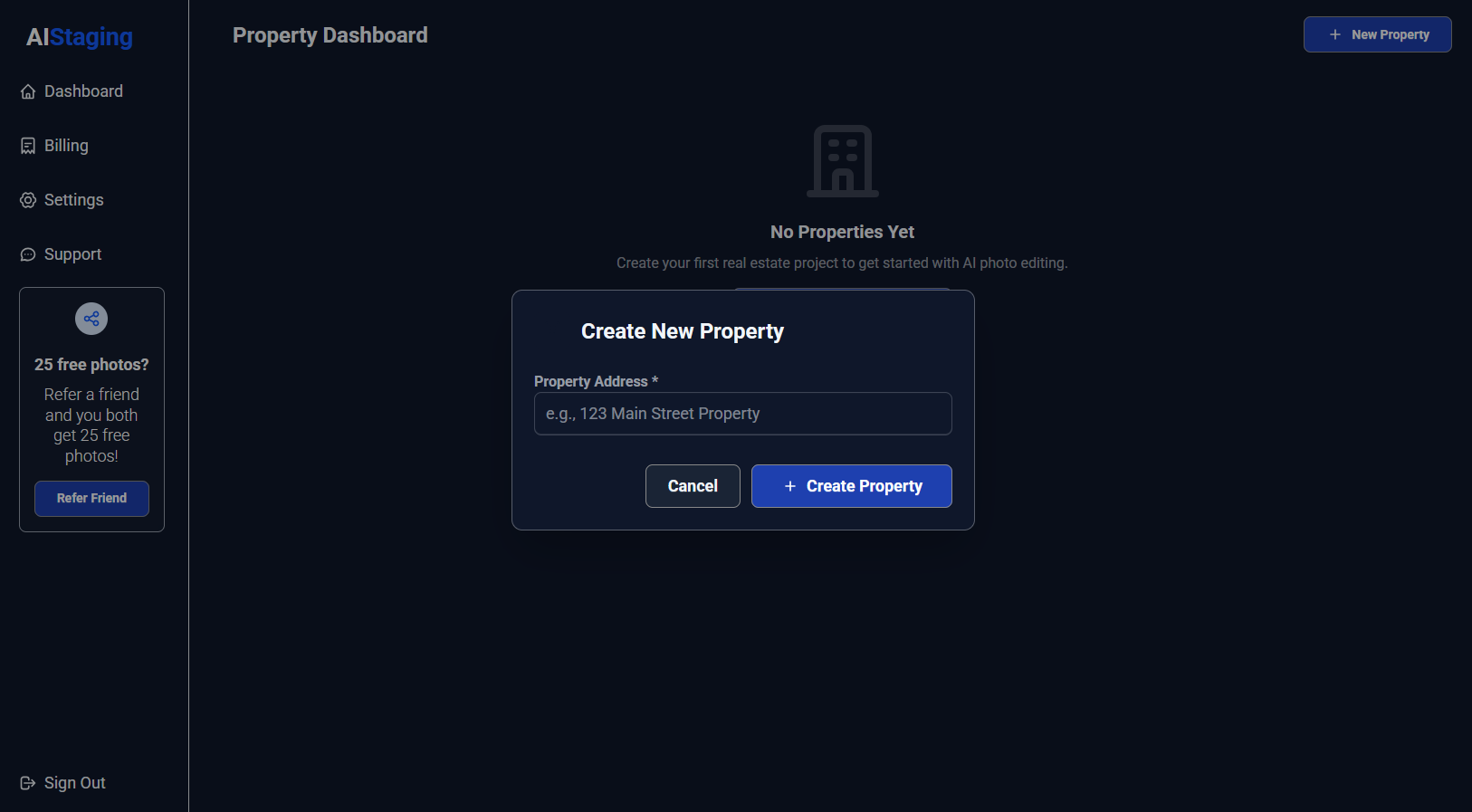
Once you're logged in, click "New Property" in your dashboard to create your first property project. This helps organize your photos by address or listing.
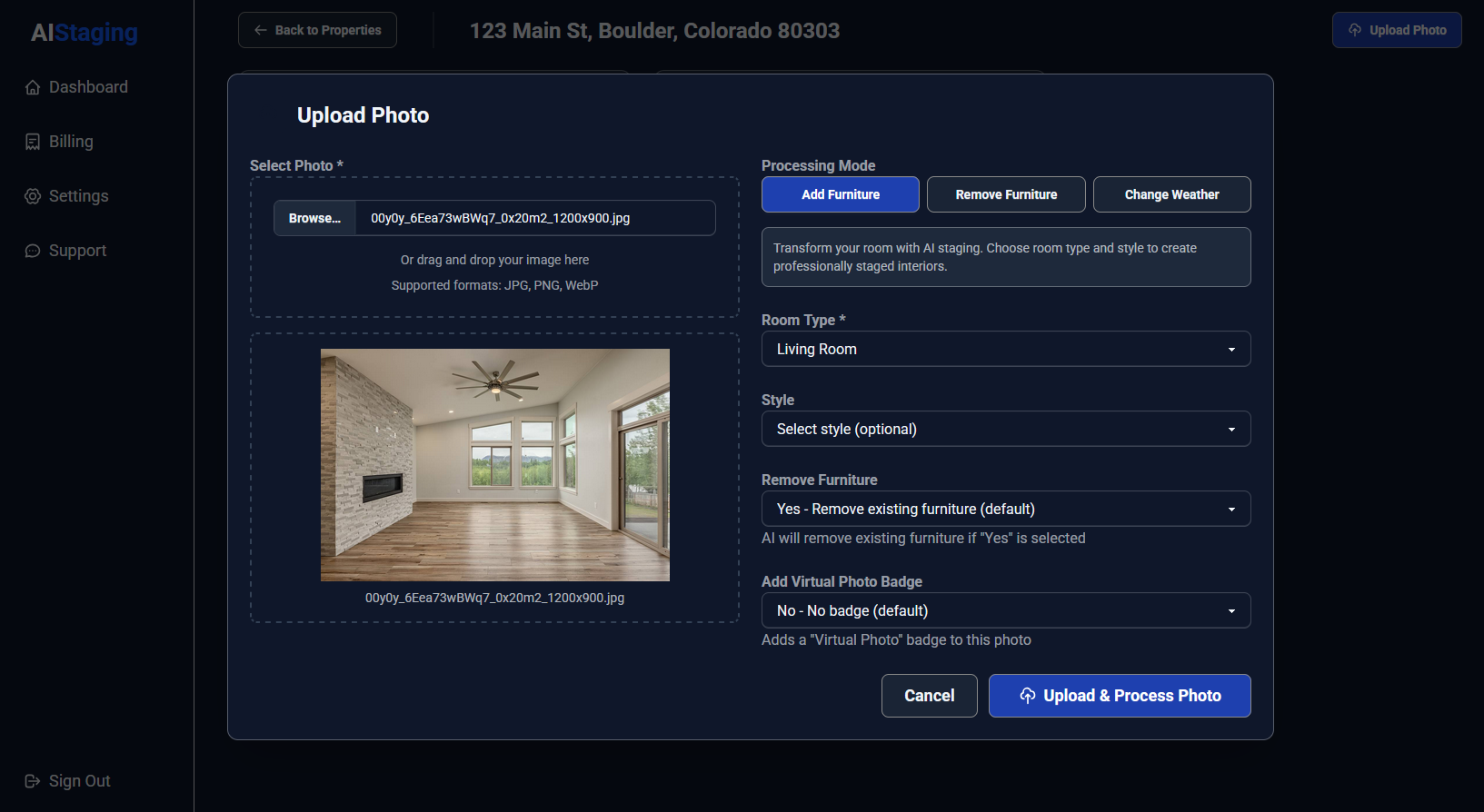
Next, upload your room photos by clicking the Upload Photo button. Choose your room type (living room, bedroom, kitchen, etc.) and select a furniture style like modern, traditional, or luxury. Click "Upload & Process Photo" and wait about 10 seconds for your professionally staged result. That's it!
For best results, use well-lit photos without shadows, remove personal items and clutter first, and take photos from a wall to show the whole room.
After your photo is finishing processing, the page will look like the below image and display all images for this address:
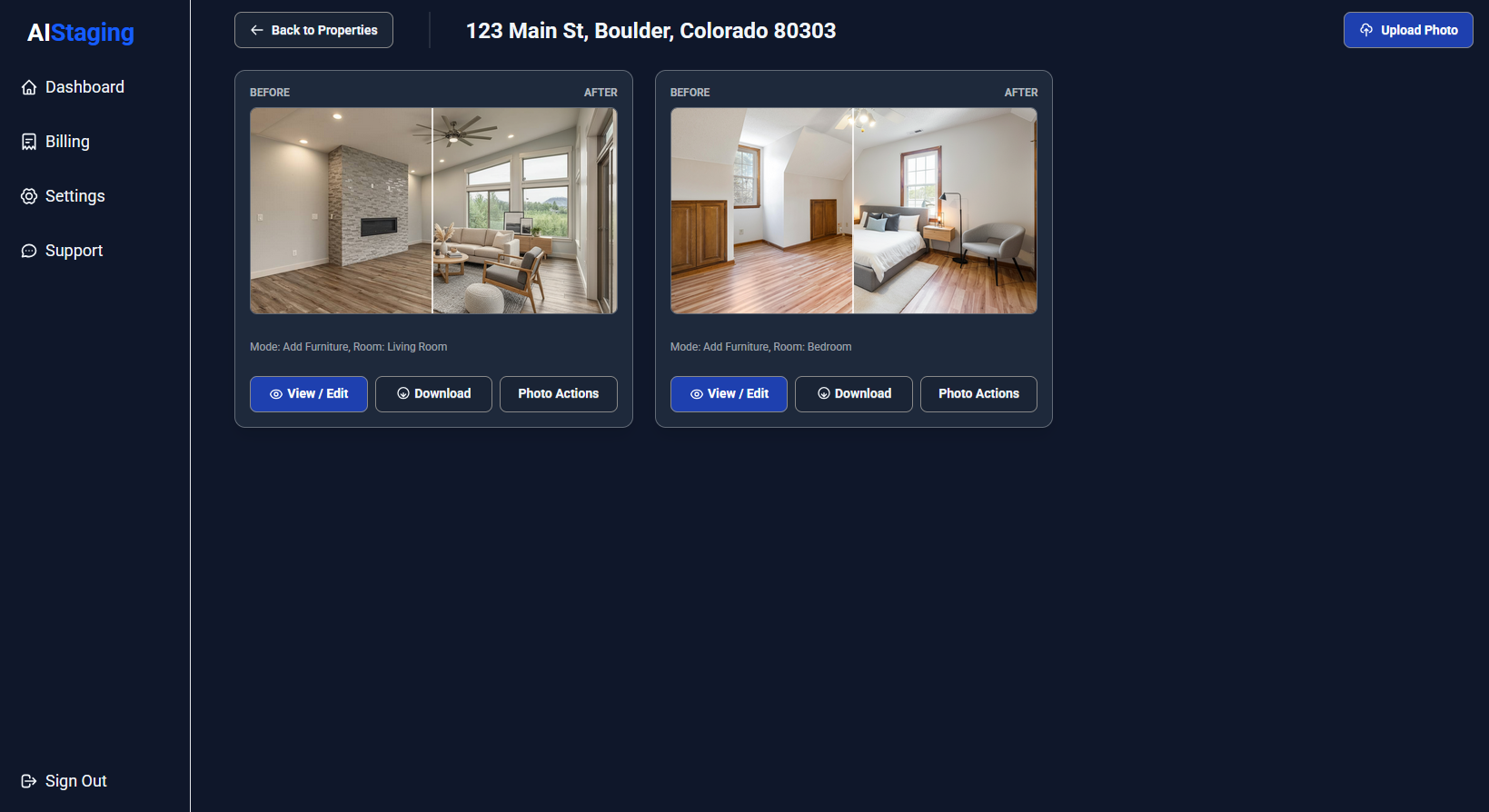
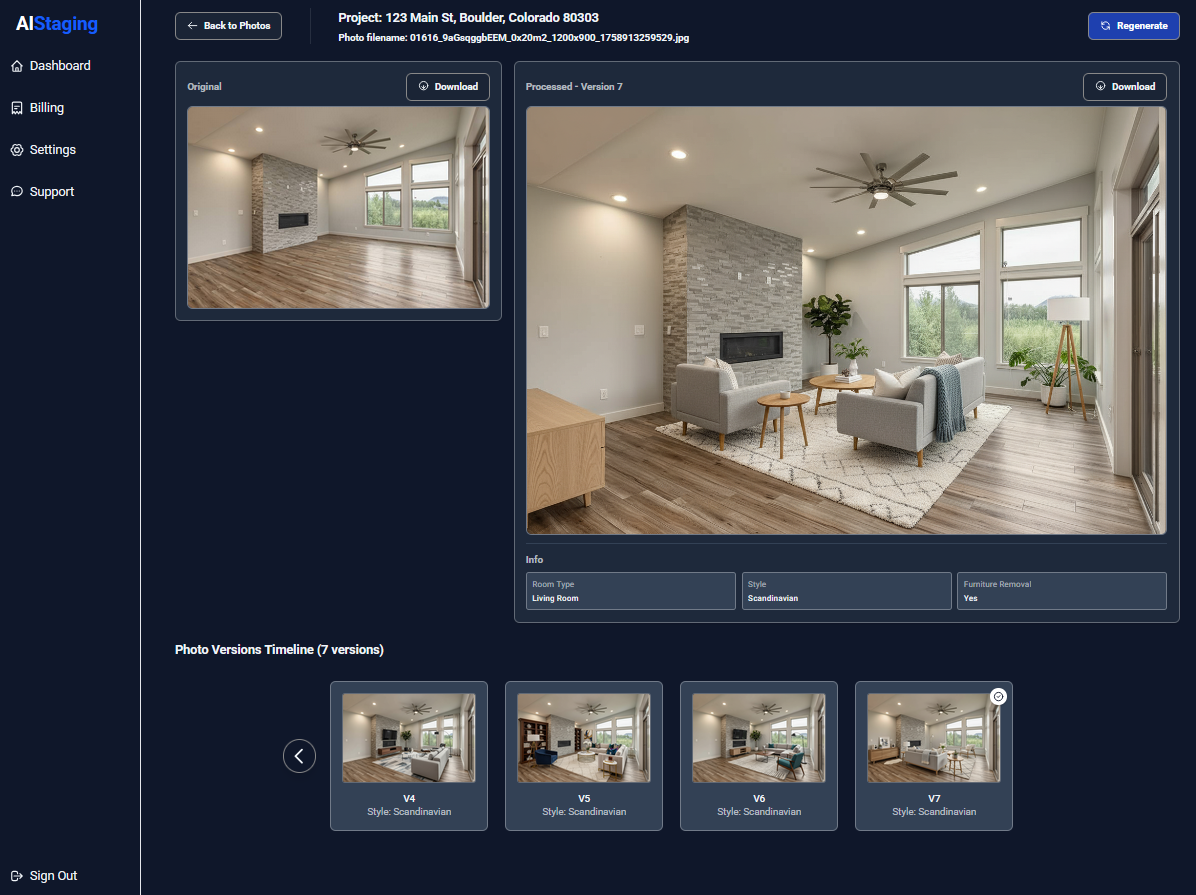
Click the "View / Edit" button to view this photo. On this page you can see a larger view of the AI generated photo with the original image to compaire it to on the left.
If you click the regenerate button you can make a new version of the photo using AI. If you have a paid plan, you can regenerate photos an unlimited number of times.
At the bottom of the page is a timeline which shows all of your AI photos, so you can choose which one you like the best.
Click the "Download" image button to download the photo you like to your computer. After it's been downloaded to your computer you can use it anywhere you like to promote this address.